













Importing
Easy Content Import
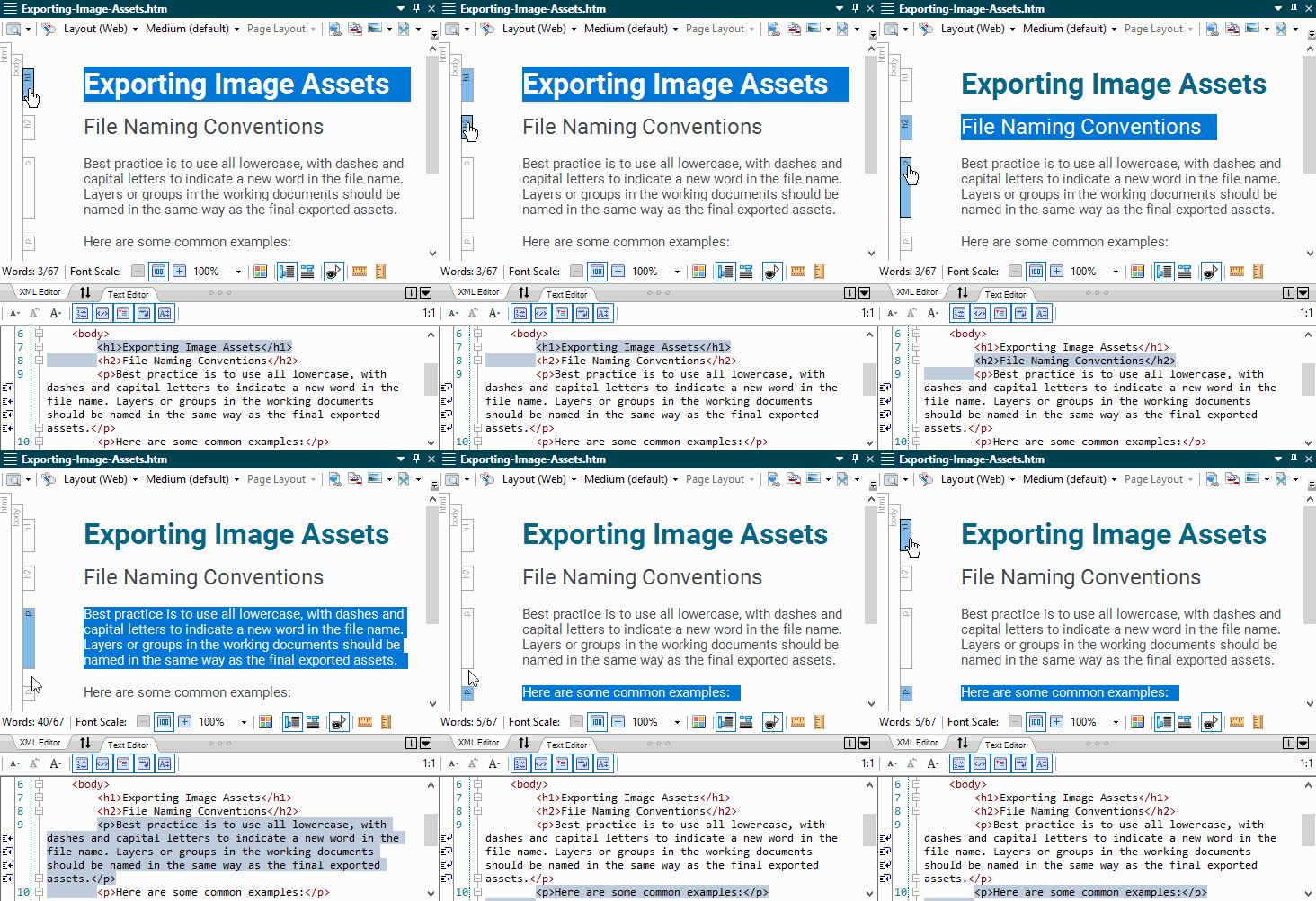
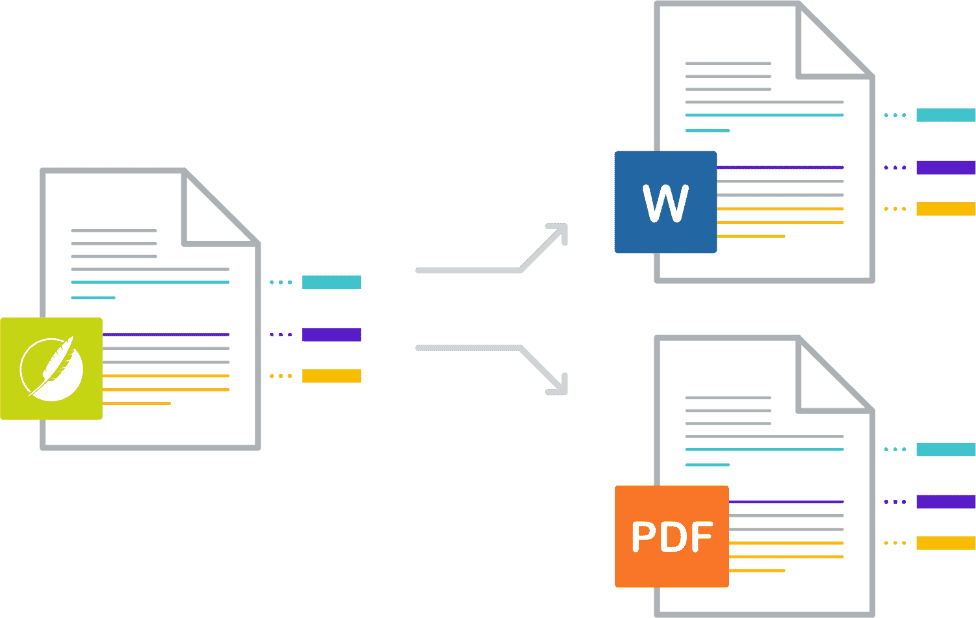
Flare offers the industry’s easiest and most advanced import of legacy content, in the industry including support for a wide range of file types using an easy drag-and-drop workflow. Migrate your legacy content – such as Microsoft® Word and Excel, Atlassian Confluence®, Adobe® RoboHelp® and FrameMaker®, DITA, Author-It®, and more – using our patented WYSIWYG XML Editor to author content in a familiar visual user interface.
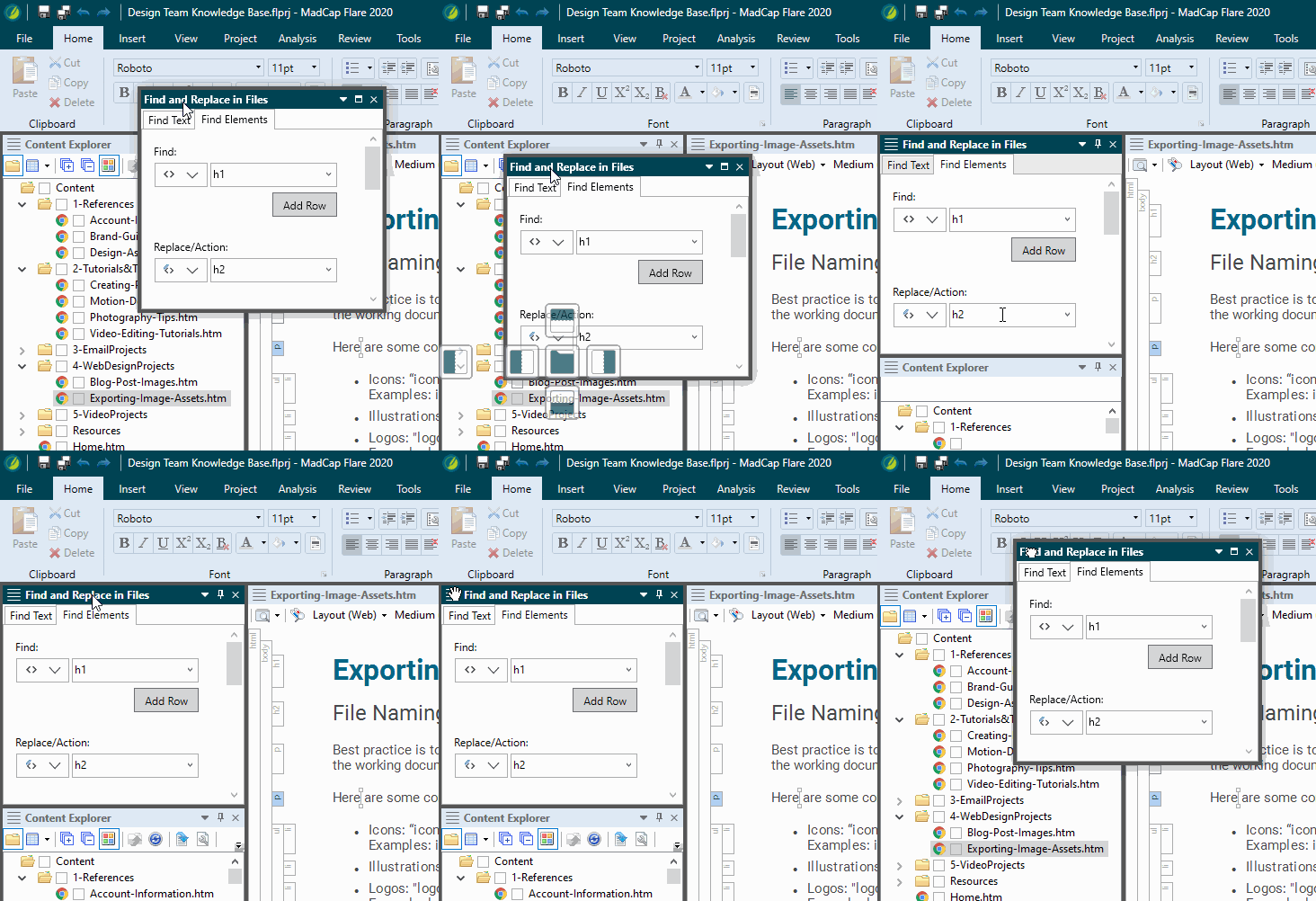
Plus, step-by-step import wizards offer advanced options to customize your import for added control to re-use your legacy content.
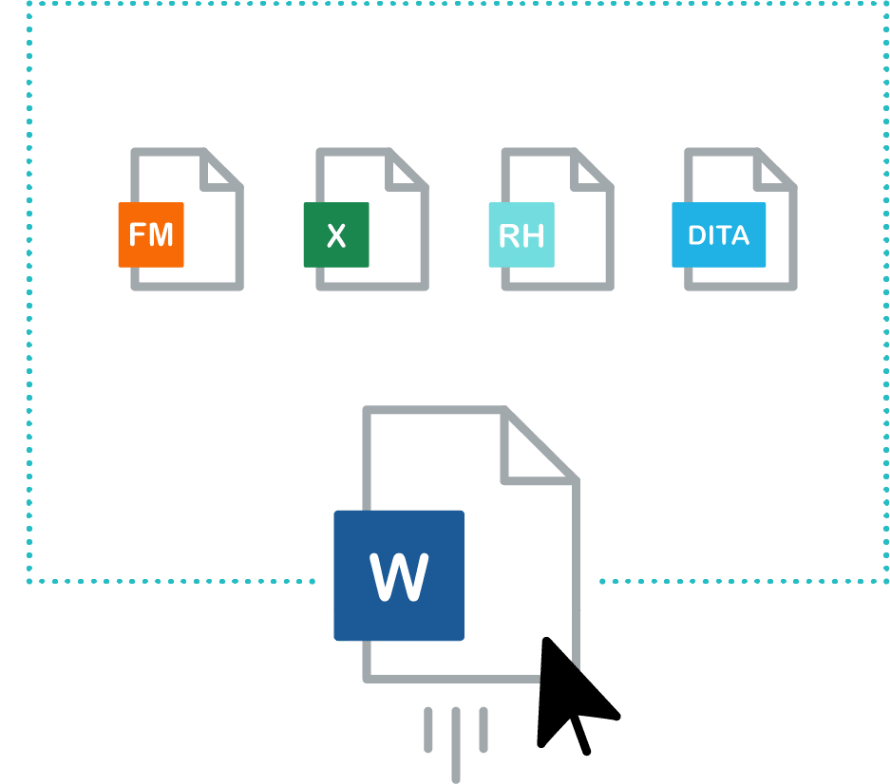
Import content from other applications directly into Flare.
Microsoft® Word:
Flare allows you to import any number of MS Word files simultaneously using the drag and drop functionality. For added control, you can import files using the import wizard. The import wizard allows you to break technical content into smaller topics for maximum content reuse and to organize your Flare project quickly and easily. You can also choose to maintain a continuous connection using Easy Sync to automatically re-import Word files once a change has been made to the source file. This ensures any changes made to your Word documents will always be updated in Flare.
View the Import Guide
Microsoft® Excel:
Easily import Excel files including XLS, XLSX, or CSV files. No need to recreate your spreadsheets as these will be added and converted to tables in Flare. As with Microsoft® Word, you can link Excel files to Flare so that it recognizes when changes have been made to the source documents for a much more effective technical documentation process.
View the Import Guide
RoboHelp®:
As the original creators of RoboHelp®, nobody imports projects better than MadCap Software. Create a new project or topics by importing your legacy Adobe® RoboHelp® projects.
View the Import Guide
FrameMaker®:
Create a new project or topics by importing Adobe® FrameMaker® files. Import support for BOOK, FM and MIF files.
View the Transition From FrameMaker® Guide
Confluence®:
Import Atlassian Confluence® content, including HTM and Resource files, from the cloud and self-managed servers.
View the Import Guide
Author-it®:
Convert published XML output from Author-it® to a MadCap Flare project while maintaining all technical documentation projects and source files.
For detailed instructions and to download the Author-it® Converter Utility, visit our Redistributable Downloads.
DITA:
Create a new project or import it into an existing project by importing DITA files.
Markdown:
Easily import files written in Markdown, including CommonMark, a rationalized version of Markdown syntax.